What a Shipping Profile Represents
In UPS WorldShip, the Profile Editor provides standardized shipping logic by establishing default values across package dimensions, billing options, reference numbers, and service selections. While a single profile can be assigned across hundreds of customer records, each individual customer address book record is bound to exactly one default profile simultaneously.
Operators retain manual override capability directly within the primary Shipping window, where profile templates can be switched ad-hoc prior to processing labels. Distinguishing static profile defaults from per-shipment overrides prevents costly dispatch errors, recurring invoice disputes, and redundant keying.
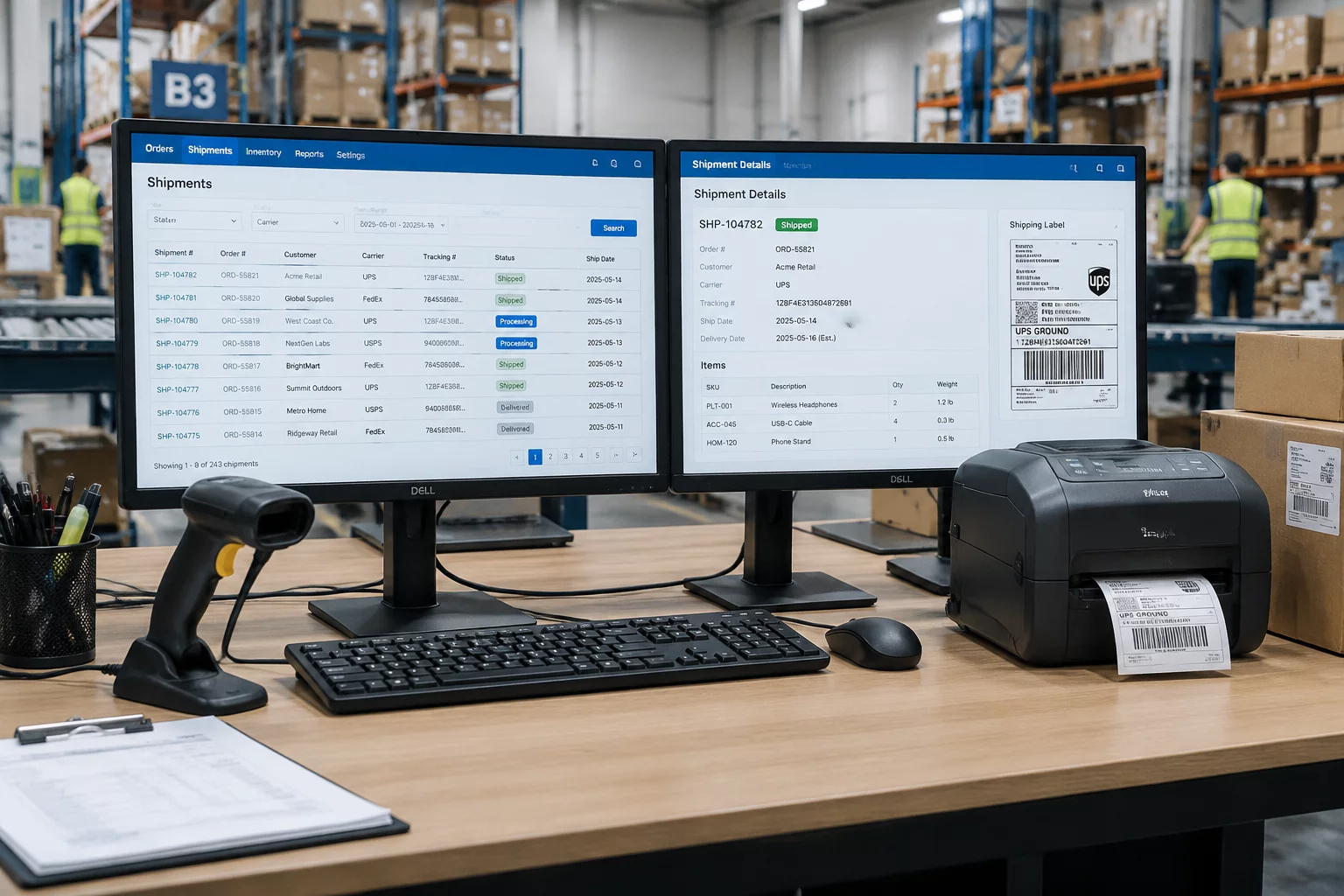
Repeatable Customer Context & Shipping Window Control
WorldShip enforces strict hierarchical boundaries between profile creation in the Profile Editor, permanent assignment within Customer records, and transactional execution during order fulfillment.
The Profile Editor Level
Used by administrative leads to establish reusable configurations: designated service tiers, predefined accessorials (such as signature requirements or Saturday delivery), bill-to accounts, and custom reference label mappings.
Single Profile per Customer
While many customer records can inherit the same master profile, WorldShip restricts each client entry to exactly one default profile at a time. Multi-profile customers require dedicated dispatch logic or distinct sub-accounts.
Shipping Window Override
When an order presents atypical requirements, operators can use the profile dropdown within the active Shipping window. The interface repopulates the fields immediately without altering the customer's baseline settings.
The Customer Profile Was Correct, but This Shipment Was an Exception
A returning customer record holds a correctly assigned WorldShip profile — service, billing, and reference fields all auto-fill as expected. This particular dispatch, however, carries a different package context and service requirement. The profile is not wrong; this shipment simply diverges from the repeatable pattern and needs explicit operator review before manifest.
- Customer Selected — the familiar account is pulled up for a routine repeat shipment.
- Assigned WorldShip Profile — the single linked profile attaches automatically.
- Default Context Appears — saved service, billing, and reference values populate the Shipping window.
- Shipment-Specific Difference — today's parcel context conflicts with the profile's defaults.
- Operator Reviews Exception — the desk applies a per-shipment override without rewriting the baseline.
- Shipment Record Continues — the manifest proceeds, and the customer profile stays intact for the next order.
WorldShip provides the profile mechanism; ShipmentProfile Fieldbook documents the reasoning around repeatable defaults and exceptions. Nothing on this page claims WorldShip automatically determines the correct business choice for every shipment.
Shipment-Specific Variables vs Profile Defaults
Choose an operational variable below to evaluate whether WorldShip handles it as a Profile Default or as an Order-Specific Variable.
Default UPS Service Level
Assigned via Profile Editor. Automatically fills Ground, Next Day Air, or 2nd Day Air for all orders governed by the template.
Reference Field Prompts
Pre-populates PO numbers, department codes, or department tags onto shipping labels automatically according to customer profile specs.
Exact Scale Weight
Cannot be locked statically by profile unless using nominal zero-weight batch files. Scale capture occurs live per carton.
Delivery Intercept or Holds
Exception conditions (such as Will Call or customer pickup redirects) must be applied explicitly per individual shipment.
Third-Party Billing Account
Stored securely in the profile mapping, automatically inserting the consignee's 6-digit shipper account upon profile selection.
Actual Declared Package Value
Dynamic invoice valuations exceed standard carrier coverage and must be confirmed dynamically on each dispatch voucher.
When a Default Needs Review
A saved profile describes a repeatable customer context — not a universal rule. These checkpoints keep one-off deviations from silently hardening into permanent assumptions.
Temporary Exceptions
One-off package contexts, service upgrades, or delivery intercepts belong in the Shipping window as per-shipment overrides. The customer profile should remain untouched unless the same divergence repeats.
Changing a Customer Profile
When a deviation becomes recurring, update the assigned profile deliberately through the Profile Editor — never accumulate silent per-order overrides as a substitute for a real profile change.
Documenting Why a Profile Changed
Record the reason, date, and scope of every altered default so the next operator understands what changed, why it changed, and whether the new value should repeat.
UPS WorldShip ships with a Profile Editor for defining reusable shipping logic and assigning one profile per customer record. This page documents how shipping desks reason around that mechanism — it is a workflow guide, not a product manual, rate table, or carrier endorsement.
Product Boundary & Independent Publication Disclosure
UPS WorldShip® is a registered trademark of United Parcel Service of America, Inc. ShipmentProfile Fieldbook is an independent research manual and process guide developed for logistics supervisors and fulfillment operators. This publication is not endorsed, affiliated, sponsored, or certified by UPS.
Operational practices described herein reflect standard freight management observations. Always cross-reference carrier requirements with official software manuals and agreements before deployment.
Request Fieldbook Workflow Clarification
If your shipping floor encounters configuration exceptions, profile mapping collisions, or carrier billing sync issues, submit your inquiry to our editorial engineering desk.